What Is High Bandwidth VPS and Who Needs It?
Learn what high bandwidth VPS hosting is and which workloads benefit most from unmetered data transfer.


Shared hosting still accounts for roughly 37.5% of the global web hosting market (Mordor Intelligence via Wix, 2024), yet millions of websites outgrow it every year. When your site starts slowing down during traffic spikes or you need server-level control for your application, the question becomes: should you move to a VPS or go straight to a dedicated server?
The answer depends on your traffic volume, technical requirements, and budget. Here's a straightforward comparison to help you decide.
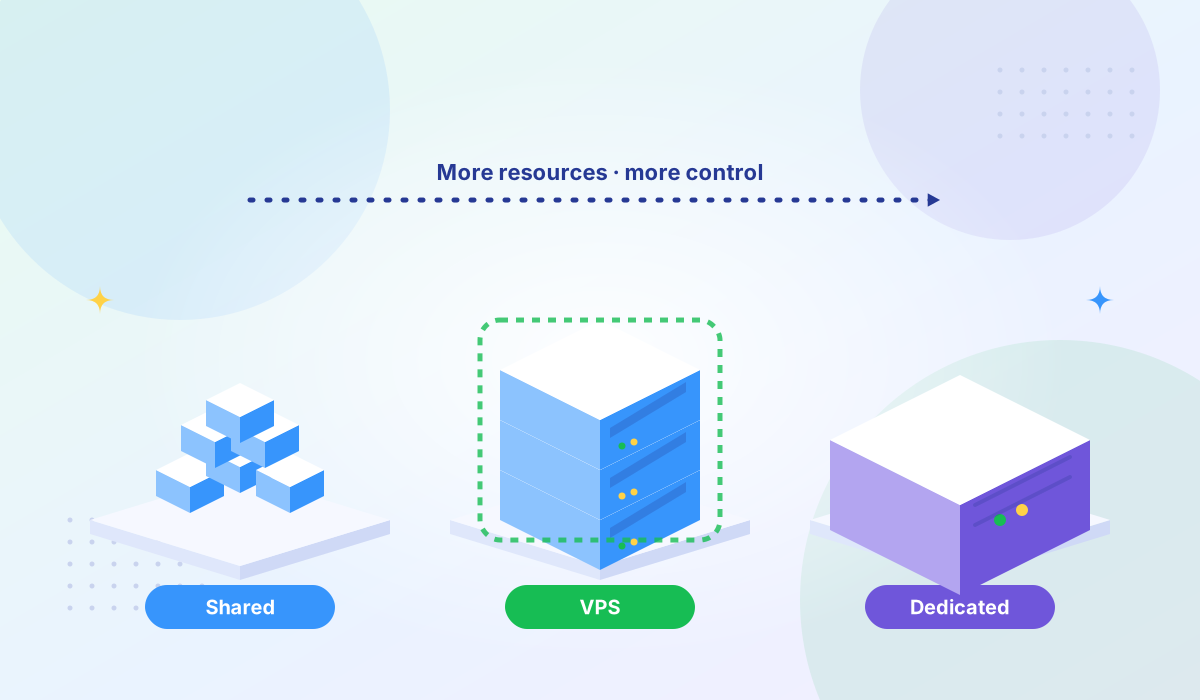
Shared hosting puts your website on a server alongside dozens or hundreds of other websites. Everyone shares the same CPU, RAM, storage, and bandwidth. The hosting provider manages the server — you get a control panel (usually cPanel or Plesk) and limited configuration options.
This is the entry-level option. Monthly costs typically range from $3 to $15. You don't need any server administration skills, but you also can't install custom software, modify server configurations, or handle workloads that need guaranteed resources.
A VPS carves out a dedicated slice of a physical server for your use. You get guaranteed CPU cores, RAM, and storage that no other customer can touch. With KVM virtualization — the type used by providers like Tonic VPS — the isolation happens at the hardware level, so your performance doesn't degrade when a neighboring VPS runs heavy workloads.
You get full root access, meaning you can install any software, configure the server exactly how you need it, and run custom applications. Monthly costs typically range from $20 to $180 depending on the resources you choose.
A dedicated server gives you an entire physical machine. All the CPU, RAM, storage, and bandwidth belong exclusively to you. There's no virtualization layer, no shared resources, and no noisy neighbors.
This is the most powerful and most expensive option, typically $80 to $500+ per month. It's the right choice when you need maximum performance, custom hardware configurations, or when regulatory requirements mandate physical isolation.
| Feature | Shared | VPS | Dedicated |
|---|---|---|---|
| Monthly cost | $3–$15 | $20–$180 | $80–$500+ |
| CPU & RAM | Shared pool | Guaranteed allocation | Full machine |
| Root access | No | Yes | Yes |
| Scalability | Plan upgrade only | Add CPU/RAM on demand | Hardware swap needed |
| Security isolation | Minimal | Strong (KVM) | Complete |
| Setup time | Minutes | Minutes | Hours to days |
| Best for | Blogs, portfolios, small business sites | Web apps, SaaS, e-commerce, dev environments | Enterprise apps, large databases, compliance-heavy workloads |
Shared hosting makes sense when your requirements are straightforward:
The trade-off is clear: you save money, but you give up performance predictability, security isolation, and customization.
Most websites and applications that outgrow shared hosting land on VPS — and for good reason. It offers the best balance of cost, performance, and flexibility. Here are the signs you're ready:
If page load times spike during traffic surges, you're hitting the limits of shared resources. A VPS gives you guaranteed CPU and RAM that don't fluctuate based on other customers' activity.
Running Docker containers, custom application stacks, specific programming languages, or server-side software like Redis, Elasticsearch, or Node.js requires root-level access. Shared hosting doesn't offer it. VPS does.
E-commerce stores processing payments, healthcare applications handling patient data, or any service dealing with personal information benefits from the stronger isolation a VPS provides. With KVM virtualization, each VPS operates as an independent virtual machine — a vulnerability in one VPS can't reach another.
For businesses that need PCI DSS compliance, a VPS with the right provider offers the infrastructure-level controls that shared hosting can't. Tonic VPS maintains PCI DSS compliant infrastructure across all eight server locations.
Agencies and developers managing multiple client websites or staging environments benefit from consolidating everything on a single, well-resourced VPS rather than juggling multiple shared hosting accounts.
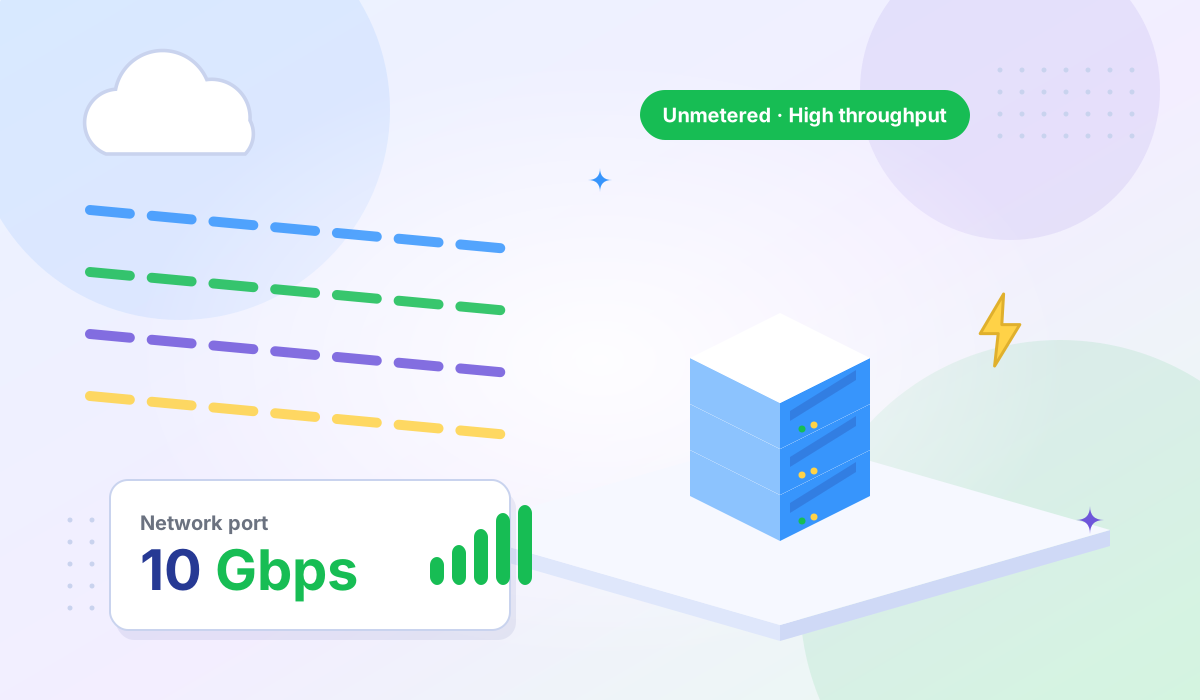
Standard shared hosting plans typically include limited data transfer. If you're serving media, running a SaaS product, or hosting downloads, you'll want a provider that offers high bandwidth VPS with generous or unmetered transfer.
Dedicated servers are the right call in specific scenarios, not as a general upgrade from VPS:
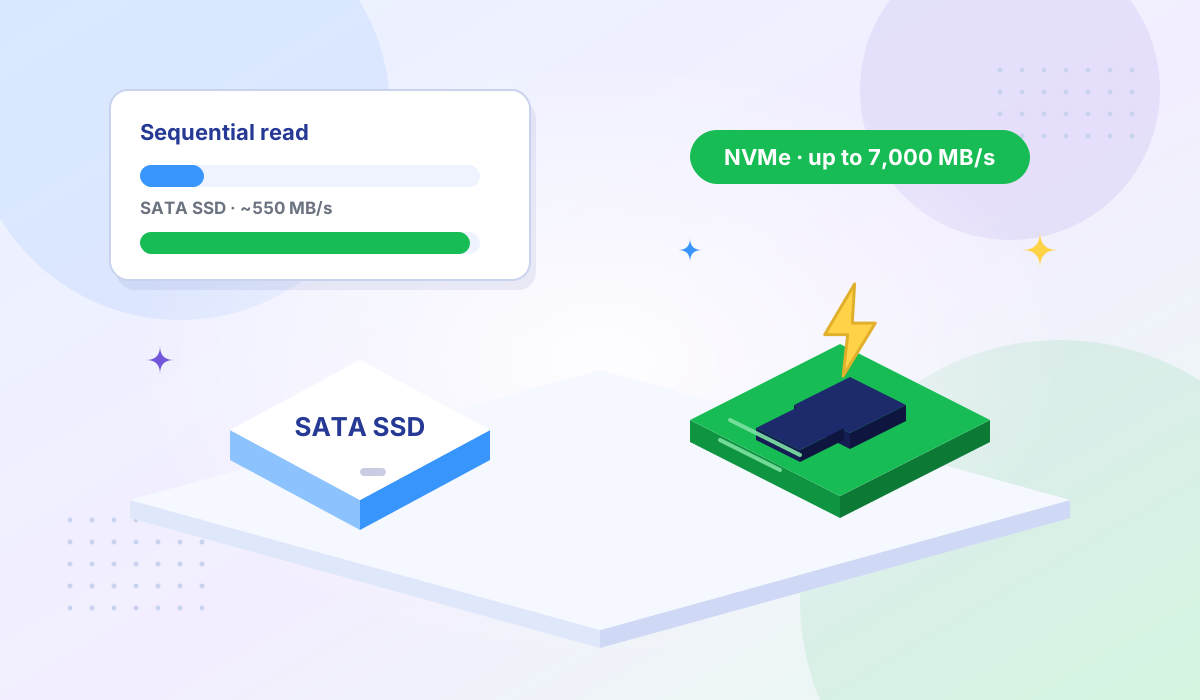
For everyone else, a well-configured VPS on modern hardware — like AMD EPYC processors with NVMe storage — delivers performance close to dedicated at a fraction of the cost.
Not all VPS hosting is equal. The virtualization technology your provider uses directly impacts performance and security:
KVM (Kernel-based Virtual Machine) creates fully isolated virtual machines, each with its own kernel. This provides near-bare-metal performance and strong security boundaries. It's the gold standard for VPS hosting and what Tonic VPS uses across all plans.
OpenVZ uses container-based virtualization where all VPS instances share the same kernel. It's lighter weight, which means providers can pack more customers onto a single machine — but isolation is weaker, and you can't run a custom kernel or certain software that requires kernel-level access. OpenVZ is also reaching end of life as providers migrate to KVM.
If security and performance predictability matter to your workload, choose KVM. The performance difference between KVM VPS and dedicated hosting has narrowed significantly — especially when the underlying hardware uses modern processors and NVMe storage.
Tonic VPS is built for the workloads that sit between shared hosting and dedicated servers — which covers most growing businesses, developers, and agencies. Every plan includes:
Test network performance from any location with our Looking Glass tool before committing.
Use this simple framework to narrow down your choice:
Choose shared hosting if: You have a simple website, low traffic, no custom software needs, and a minimal budget. You're okay trading performance consistency for low cost.
Choose VPS if: You need guaranteed resources, root access, or stronger security isolation. You're running web applications, multiple sites, or handling data that requires compliance controls. This covers the majority of production workloads.
Choose dedicated if: You need an entire physical machine's resources, custom hardware, or physical-level isolation mandated by your compliance framework. Your sustained resource usage justifies the premium.
Yes, and this is a common path. Start with shared hosting while your traffic is low, then migrate to a VPS when you notice performance issues or need more control. Most VPS providers, including Tonic VPS, make this migration straightforward.
No. Managed VPS means the provider handles server maintenance (updates, security patches, monitoring) on your behalf, but you still get dedicated resources and root access. Shared hosting gives you neither dedicated resources nor root access.
Basic Linux command-line knowledge is helpful for unmanaged VPS. You'll need to handle software installation, security configuration, and updates yourself. If that's intimidating, look for a managed VPS option or use a control panel like cPanel or Plesk on your VPS.
Not exactly. Cloud hosting typically distributes your resources across multiple physical machines for redundancy, while VPS traditionally runs on a single physical server. In practice, many modern VPS providers use cloud infrastructure, so the lines have blurred. The key factors — dedicated resources, root access, and isolation — apply to both.
The hosting decision comes down to what your project actually needs today, with a reasonable eye on where it's headed. Shared hosting is fine for simple, low-traffic sites. Dedicated servers serve specific, resource-intensive use cases. For everything in between — which is most production workloads — VPS hosting delivers the right balance of cost, performance, control, and security.
Ready to upgrade from shared hosting? Explore Tonic VPS High Bandwidth VPS plans — KVM isolation, NVMe storage, AMD EPYC CPUs, and 8 global server locations.
More VPS hosting guides, server tutorials, and infrastructure tips from our blog.
Learn what high bandwidth VPS hosting is and which workloads benefit most from unmetered data transfer.
Essential hosting security features every website needs — from SSL certificates to automated backups.
Understanding the difference between NVMe and traditional SSD storage and how it impacts server performance.