KVM vs OpenVZ: Which VPS Virtualization Is Right for You?
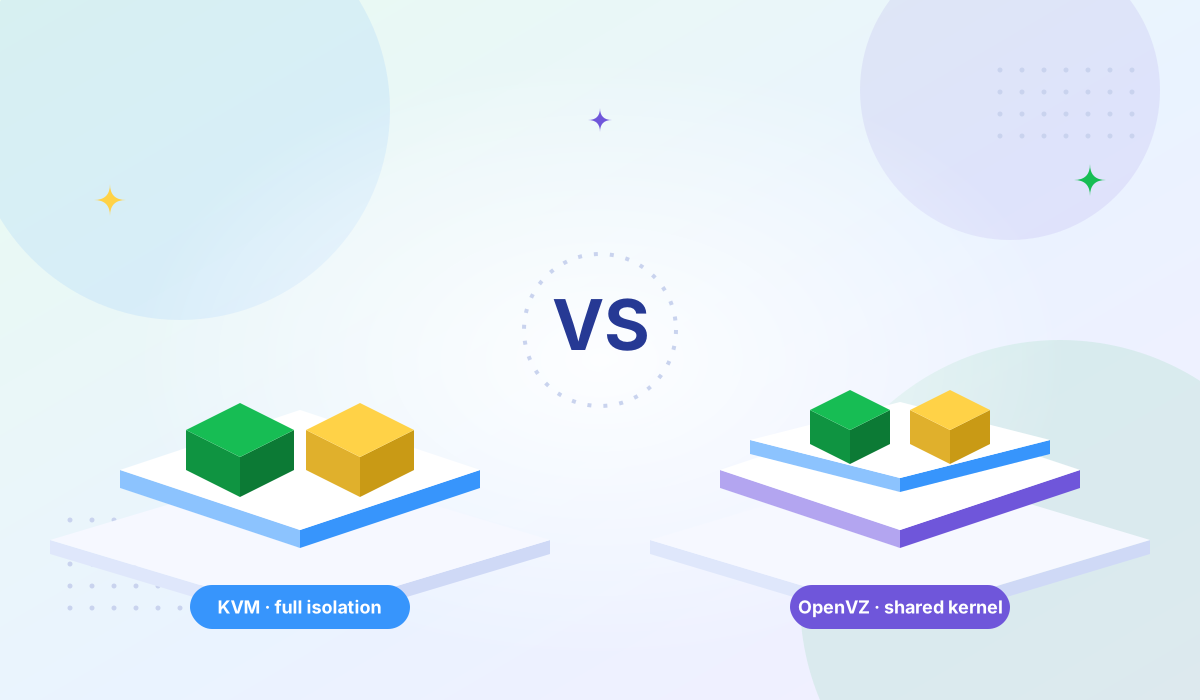
Compare KVM and OpenVZ virtualization — architecture, performance, security, and why the industry is moving to KVM.


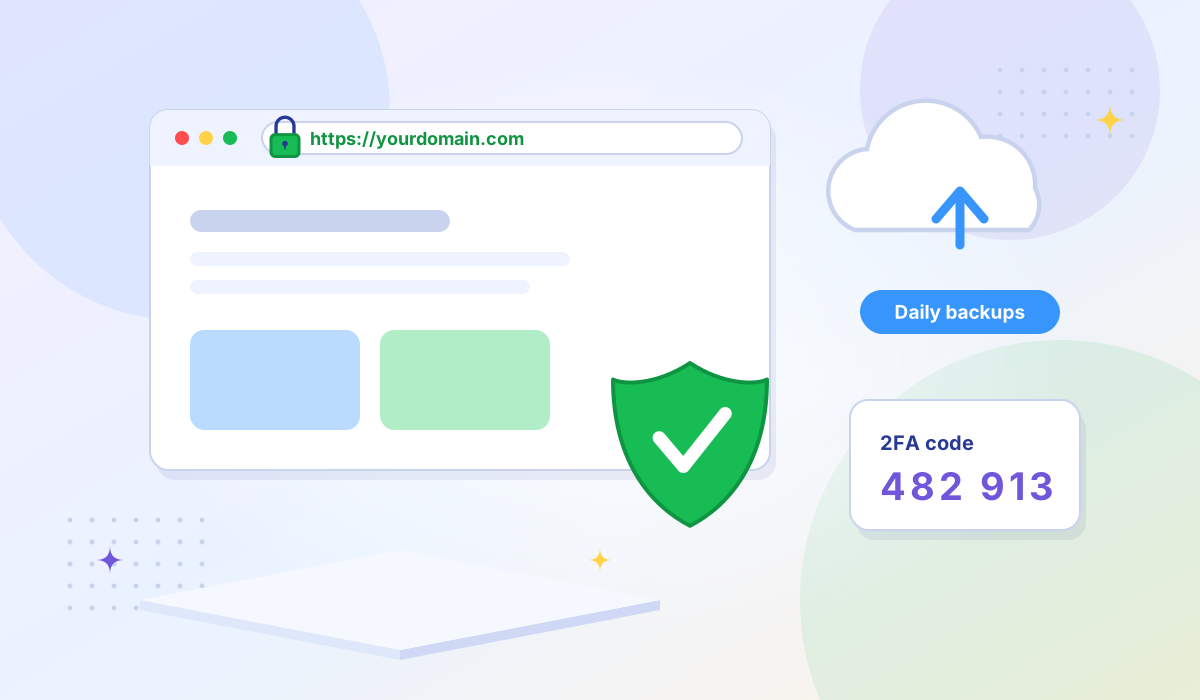
In today's digital world, a secure website isn't a luxury — it's a necessity. Whether you run a blog, business site, or eCommerce store, your visitors trust you with their data. And trust starts with security. Here's a breakdown of the essential hosting features that help keep your site safe:
An SSL (Secure Sockets Layer) certificate encrypts the data transferred between your website and its visitors. It turns HTTP into HTTPS — the secure version of your web address — and shows a padlock icon in browsers.
Most quality hosting providers include a free SSL certificate with every plan — make sure yours does too.
Even the best websites can face issues — whether it's a failed plugin update, malware, or accidental deletion. Regular backups ensure that you can restore your site quickly without losing data.
Backups are like insurance: you hope you never need them, but you'll be grateful when you do.
Adding 2FA to your hosting dashboard or website admin area enhances login security by requiring an extra verification step. Even if someone gets your password, they can't log in without your second factor.
Pro tip: Use authenticator apps like Google Authenticator for better protection than SMS-based codes.
Secure FTP (SFTP) encrypts data transfers between your computer and the server, while tools like phpMyAdmin should be password-protected and access-limited.
Website security isn't just about installing plugins or changing passwords — it starts with choosing the right hosting provider. Look for one that offers comprehensive protection: free SSL, daily backups, malware defense, and responsive support. The virtualization technology your provider uses also matters — KVM provides hardware-level isolation between tenants, while container-based approaches share a kernel.
For deeper security hardening, follow Linux server security best practices — SSH hardening, firewalls, and patch management. Consider DDoS protection to keep your server online during attacks, and if you handle payment data, understand the PCI DSS compliance requirements for your hosting environment.
At Tonic VPS, we take your website's safety seriously. Our High Bandwidth VPS plans are built with enterprise-grade security, NVMe storage, and full root access so you have complete control over your server's security configuration.
Ready to take control of your hosting security? Explore our High Bandwidth VPS plans and deploy a secure server in minutes.
More VPS hosting guides, server tutorials, and infrastructure tips from our blog.
Compare KVM and OpenVZ virtualization — architecture, performance, security, and why the industry is moving to KVM.
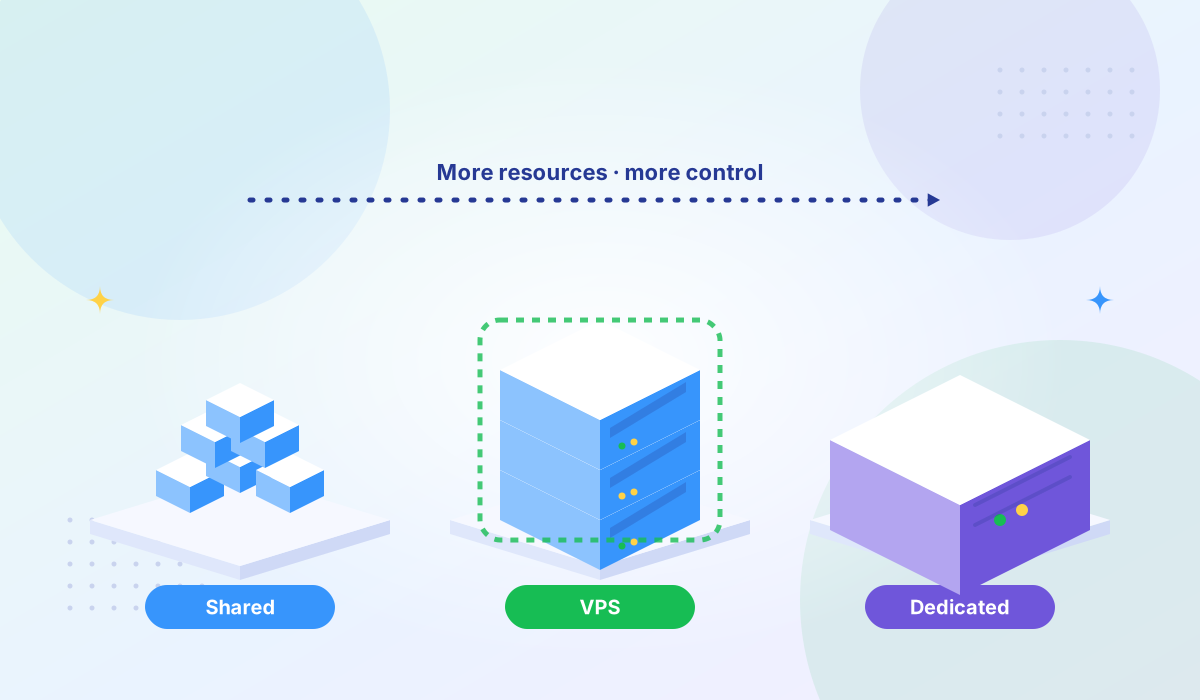
Compare shared hosting, VPS, and dedicated servers to find the right fit for your traffic and budget.
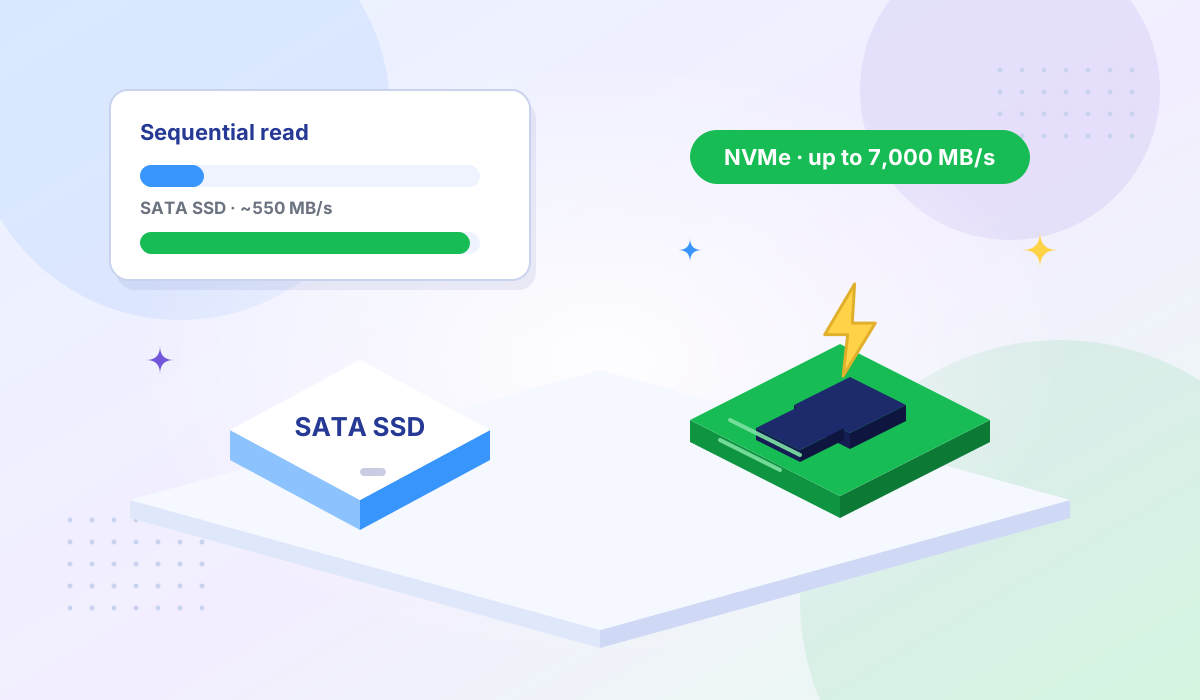
Understanding the difference between NVMe and traditional SSD storage and how it impacts server performance.