Securing Your Site: SSL, Backups, and More Hosting Essentials
Essential hosting security features every website needs — from SSL certificates to automated backups.



A single DDoS attack can knock your VPS offline in seconds. Cloudflare mitigated 47.1 million DDoS attacks in 2025 — a 121% increase year-over-year — including a record-breaking 31.4 Tbps attack (StationX, citing Cloudflare Q4 2025 report). Application-layer attacks surged 187% in Q1 2026 (Radware, 2026).
If you run any production workload on a VPS — e-commerce, SaaS, game servers, APIs — understanding how DDoS protection works is no longer optional. This guide covers the attack types you'll face, how provider-level protection actually stops them, and what you can do on your server to reduce exposure.
A Distributed Denial of Service (DDoS) attack uses thousands — sometimes millions — of compromised devices (a botnet) to flood your server with more traffic than it can handle. The goal is simple: make your service unavailable to legitimate users.
Unlike other cyberattacks that exploit software vulnerabilities, DDoS attacks exploit capacity limits. Your server has a finite amount of bandwidth, CPU, memory, and connection slots. Exceed any of those limits and your service goes down — no exploit required.
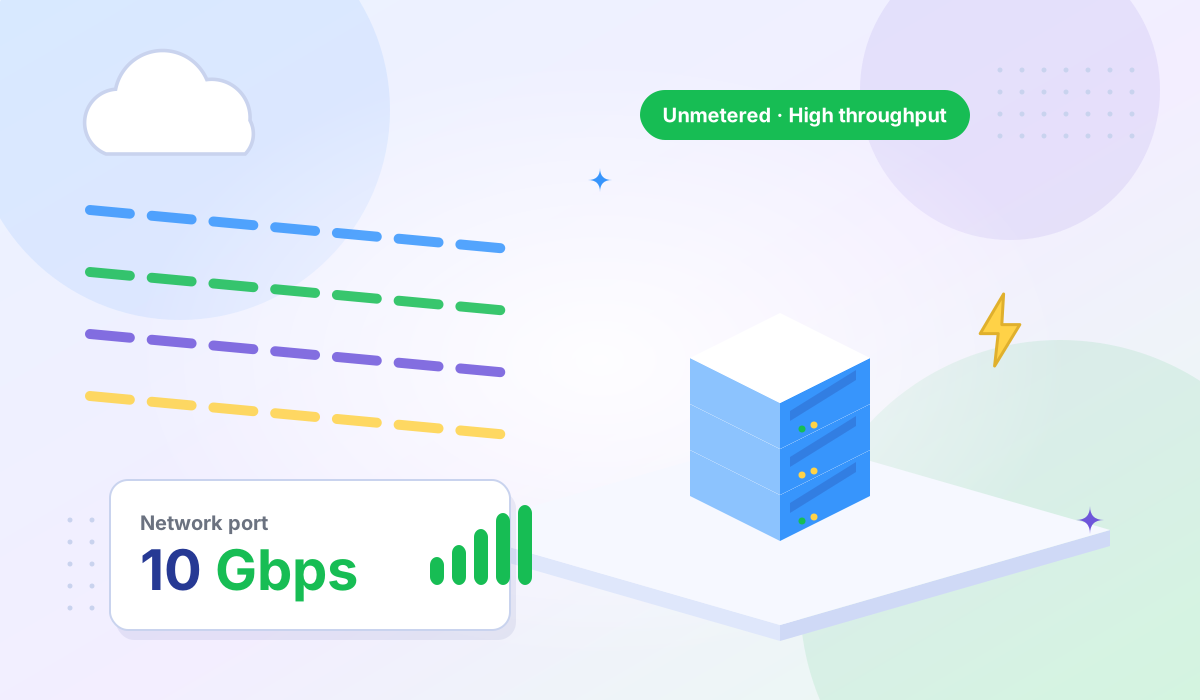
These aim to saturate your network bandwidth. UDP floods, ICMP floods, and DNS amplification attacks send more data than your server's network link can carry. Even a 10 Gbps flood can overwhelm most VPS connections, and attacks regularly exceed 100 Gbps. The 31.4 Tbps attack Cloudflare mitigated in 2025 shows the extreme end of what's possible.
SYN floods, fragmented packet attacks, and ACK floods exploit weaknesses in network protocols to consume server resources — CPU, memory, and connection tables — without necessarily saturating bandwidth. A SYN flood can exhaust your server's connection table with as little as a few hundred Mbps of traffic, making it unable to accept new connections.
The fastest-growing category. These attacks send legitimate-looking HTTP requests designed to exhaust your web server, database, or application logic. HTTP floods, login brute-forces, and API abuse attacks are harder to detect because each individual request looks normal. It's the volume and pattern that causes damage. These attacks often bypass simple network-level filters.
VPS hosting runs on shared physical infrastructure. When a DDoS attack targets one VPS, the network congestion can degrade performance for every VPS on the same physical host — even those that aren't being targeted. This "noisy neighbor" effect means a provider without upstream protection puts all their customers at risk.
Most VPS plans also have defined bandwidth allocations. A volumetric attack that exceeds your allocation can trigger overage charges, automatic throttling, or — in the worst case — null routing, where the provider blocks all traffic to your IP to protect their network. Without upstream filtering, your VPS has no way to distinguish attack traffic from real visitors.
Effective DDoS mitigation isn't a single tool — it's a pipeline that processes traffic through multiple stages before it reaches your server. Here's how it works at the infrastructure level:
The first line of defense deliberately regulates the data transfer rate of incoming traffic. When traffic volume or request rates spike abnormally — far beyond your server's normal baseline — the allowed transfer rate is limited to prevent server overload. This buys time for deeper analysis and ensures a flood can't simply overwhelm your server's port before detection kicks in.
Throttling is always-on and automatic. It doesn't wait for an attack to be classified — it responds to abnormal volume immediately.
Traffic enters the border router of the provider's network, where it is analyzed based on multiple characteristics: packet headers, traffic profiles, source reputation, request patterns, and known attack methodologies. The detection system continuously compares incoming traffic against your server's normal behavior to identify anomalies.
When malicious traffic is identified — whether it's a volumetric flood, a protocol exploit, or an application-layer pattern — the suspicious traffic is automatically redirected to a scrubbing center for deeper inspection and filtering.
The scrubbing center is where attack traffic gets separated from legitimate requests. Using a combination of signature-based filtering, behavioral analysis, rate limiting, and protocol validation, the scrubbing infrastructure strips out malicious packets and forwards only clean traffic to your VPS.
The entire process happens with minimal latency impact — typically 1–3 ms — so legitimate users don't notice any degradation. Your server receives normal, clean traffic as if no attack were happening.
| Stage | What Happens | Speed |
|---|---|---|
| Throttling | Abnormally high traffic rates are capped to prevent instant overload | Instant (always-on) |
| Detecting | Border router analyzes traffic characteristics, profiles, and attack signatures | Seconds |
| Scrubbing | Malicious packets are filtered out; clean traffic is forwarded to your VPS | Real-time |
Provider-level protection handles volumetric and protocol attacks at the network edge. But you should also harden your server to reduce exposure — especially against application-layer attacks that may slip through:
| Feature | Why It Matters |
|---|---|
| Always-on mitigation | Catches attacks instantly. On-demand systems need detection + rerouting time, which means minutes of downtime. |
| Scrubbing infrastructure | Dedicated scrubbing centers filter attack traffic and forward clean packets. Without this, your provider's only option is null routing. |
| Volumetric + protocol coverage | Protection must cover both bandwidth-based floods and protocol exploits (SYN floods, fragmentation). |
| No null-routing policy | Some providers block all traffic to your IP during an attack to protect other customers. Look for providers that scrub instead of blackhole. |
| Multiple data center locations | Distributed infrastructure absorbs attacks across multiple points of presence and keeps latency low. |
| Included at no extra cost | Some providers charge per-attack or per-GB of mitigated traffic. DDoS protection should be a standard feature, not an add-on. |
| KVM isolation | Hardware-level virtualization prevents attacks on one VPS from cascading to others on the same physical host. |
Every Tonic VPS High Bandwidth VPS plan includes Standard DDoS IP Protection at no extra cost — it's built into the network infrastructure, not sold as an add-on.
| Feature | Specification |
|---|---|
| Volumetric attack protection | Up to 5 Gbps |
| Protocol-based attack protection | Up to 2.5 million packets per second |
| DDoS mitigation time | 2–3 minutes |
| Mitigation type | Automatic on-demand |
| Notifications | Automated email alerts |
| Cost | Free with every plan |
The protection uses the three-stage pipeline described above: throttling abnormal traffic rates, detecting attack signatures at the border router, and scrubbing malicious packets through dedicated cleaning infrastructure before forwarding clean traffic to your VPS.
Test network performance and latency from any data center before deploying using the Tonic VPS Looking Glass.
Even with provider-level protection, you should have a documented response plan:
Any internet-facing service is a potential target, but some workloads are hit more frequently:
Not a serious one. Server-level defenses (firewalls, rate limiting) can handle small attacks, but a volumetric flood that exceeds your port speed will overwhelm your connection regardless of what's running on the server. The attack traffic never even needs to reach your application — it saturates the network link itself. Provider-level upstream filtering that throttles, detects, and scrubs traffic before it hits your port is essential.
It adds a layer but doesn't replace it. Cloudflare protects against HTTP-based (Layer 7) attacks and hides your origin IP. But if your server's real IP is exposed — through DNS history, email headers, or a misconfigured service — attackers can bypass the CDN entirely with Layer 3/4 floods directed at the IP. You need both: CDN protection for application-layer attacks and provider-level scrubbing for volumetric and protocol floods.
Common signs: sudden traffic spikes with no corresponding increase in legitimate visitors, server becoming unresponsive, SSH connections timing out, and abnormally high bandwidth usage. A high count of half-open (SYN_RECV) connections in your network stats is a strong indicator of a SYN flood. Check your provider's monitoring dashboard or bandwidth graphs for unusual patterns.
Always-on filtering typically adds 1–3 ms of latency as traffic passes through scrubbing infrastructure. For most applications, this is undetectable. The alternative — no protection — means losing your service entirely when an attack hits.
No. DDoS protection handles one specific threat: denial of service. A comprehensive security posture also includes firewall configuration, SSL/TLS encryption, SSH key authentication, regular patching, intrusion detection, and log monitoring. For businesses handling payment data, PCI DSS compliance adds additional requirements. DDoS protection is one critical layer in a multi-layer strategy.
DDoS attacks aren't a theoretical risk — they're a measurable and growing threat. With attacks up 121% in 2025 and application-layer attacks surging 187% in early 2026, the question isn't whether you'll face an attack, but when.
The most important protection layer is the one you can't build yourself: your hosting provider's upstream mitigation infrastructure. A proper three-stage pipeline — throttling abnormal traffic, detecting attack patterns at the border, and scrubbing malicious packets before forwarding clean traffic — is what separates a resilient VPS from one that goes dark at the first flood.
Combine that with server-side hardening (firewalls, rate limiting, WAF, CDN) and a documented response plan, and you have a defense strategy that handles both brute-force floods and sophisticated application-layer attacks.
Need DDoS-protected VPS hosting? Explore Tonic VPS plans — every High Bandwidth VPS includes free Standard DDoS Protection (up to 5 Gbps volumetric, 2.5M pps protocol) with automatic mitigation across 8 global locations. KVM isolation, NVMe storage, AMD EPYC CPUs, and reliable uptime backed by enterprise hardware.
More VPS hosting guides, server tutorials, and infrastructure tips from our blog.
Essential hosting security features every website needs — from SSL certificates to automated backups.
Learn what high bandwidth VPS hosting is and which workloads benefit most from unmetered data transfer.
How IOPS, latency, and throughput differences between NVMe and SATA SSD affect server performance.