DDoS Protection for VPS: What You Need to Know
How DDoS attacks target VPS servers and what protection measures keep your services online.


Vulnerability exploitation is now the number one way attackers breach organizations, accounting for 31% of confirmed breaches in the 2026 Verizon Data Breach Investigations Report — overtaking both phishing and stolen credentials for the first time (Tenable, citing Verizon DBIR 2026). For VPS administrators running Linux servers, this means that the security decisions you make during and after deployment directly determine whether your server becomes a target or stays protected.
A Linux VPS gives you full root access and complete control over your environment. That power comes with responsibility: unlike managed hosting, nobody configures your firewall, hardens your SSH access, or applies security patches for you. This guide covers the essential security practices every VPS administrator should implement — from initial access controls through ongoing monitoring and backup strategies.
Linux powers the majority of internet-facing servers, which makes it the primary target for automated attack tools. Approximately 27 million IPv4 hosts have SSH port 22 open to the internet (HD Moore, DEF CON 33, 2025). Attackers don't need to find your server specifically — automated scanners discover and probe every reachable IP address continuously.
VPS servers face particular risk because they're often deployed quickly for specific projects and then left running with default configurations. A freshly provisioned VPS with password-based SSH on port 22 will start receiving brute-force login attempts within minutes of going online. AhnLab's security research team reports approximately 100 Linux SSH servers compromised monthly through weak credentials, with P2PInfect and Tsunami among the most common malware families deployed after a successful breach (AhnLab ASEC, 2025).
SSH is the primary management interface for any Linux VPS, and it's also the most attacked service. A SANS Internet Storm Center honeypot study (May 2026) recorded over 20 million SSH brute-force attempts across roughly 100 days, with peaks exceeding 300,000 events in a single day. Over 700,000 of those attempts shared a single HASSH fingerprint — meaning one automated toolkit was responsible for a massive share of the attacks.
SSH keys use public-key cryptography instead of passwords, making brute-force attacks mathematically impractical. Generate an SSH key pair on your local machine, upload the public key to your server, then disable password authentication entirely in your SSH configuration. This single change eliminates the entire category of credential-stuffing attacks that account for the majority of SSH compromises.
Store your private key with a strong passphrase. An academic study found that 20% of SSH users in a controlled group had leaked their private keys through insecure storage or transfer practices (arXiv, SSH-Passkeys study, 2025). The key itself is only as secure as the device and passphrase protecting it.
Never allow direct SSH login as root. Create a regular user account with sudo privileges and set your SSH configuration to reject root login attempts. This forces attackers to guess both a valid username and its credentials — a much harder target than the universally known "root" account that every automated scanner tries first.
Moving SSH from port 22 to a non-standard port number doesn't stop a determined attacker, but it dramatically reduces automated scanning noise. Most brute-force bots only target port 22. Changing it reduces the volume of login attempts your server processes and makes your real SSH access less visible in internet-wide scans.
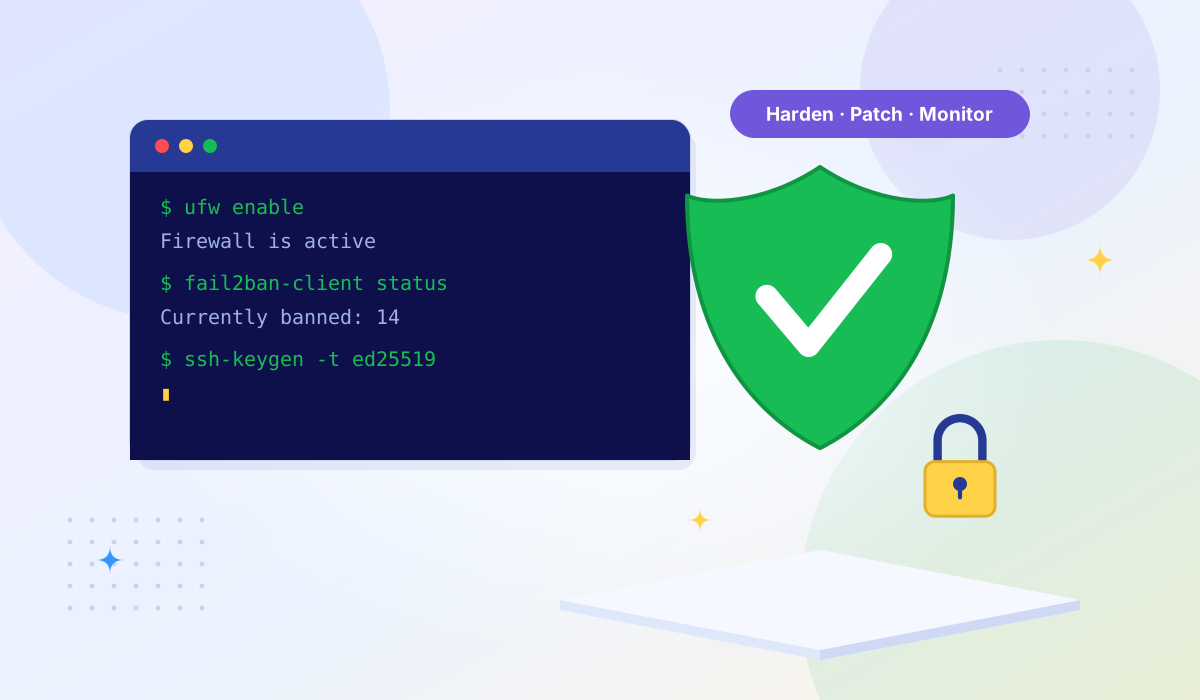
Configure your server to temporarily block IP addresses after a set number of failed login attempts. Tools like Fail2Ban monitor authentication logs and automatically create firewall rules to ban offending IPs. This adds a layer of protection even if you've already switched to key-based authentication, since it also catches probes against other services.
A properly configured firewall is one of the most effective security controls available. The principle is simple: block everything by default, then explicitly allow only the traffic your services require.
Start by setting your firewall to deny all incoming connections. Then add rules to allow only the specific ports your services need — typically SSH (on your chosen port), HTTP (port 80), and HTTPS (port 443) for web servers. Every additional open port is an additional attack surface. If you're running a database, it should only be accessible from your application server's IP, never from the public internet.
Beyond simple port filtering, configure rate limiting for services that face the public internet. Limit the number of new connections per second to any given port, and set connection tracking to drop packets that don't belong to an established session. This helps mitigate both brute-force attempts and certain types of denial-of-service attacks at the host level.
Most administrators focus on inbound rules and ignore outbound traffic. If your server is compromised, outbound filtering can prevent it from downloading additional malware payloads, joining botnets, or exfiltrating data. Allow outbound traffic only to the destinations your server legitimately needs — DNS resolvers, package repositories, API endpoints, and your backup destination.
Unpatched software is the single largest attack vector in 2026. The Verizon DBIR found that the median time organizations take to patch vulnerabilities rose from 32 days to 43 days — a 34% increase — while organizations remediated only 26% of vulnerabilities listed in CISA's Known Exploited Vulnerabilities catalog (Tenable, citing Verizon DBIR 2026). Meanwhile, attackers are getting faster: the median time to exploit a vulnerability is now under 5 days (Mandiant M-Trends, via Indusface).
Configure unattended upgrades for security patches on your distribution. On Debian and Ubuntu systems, the unattended-upgrades package handles this automatically. On RHEL-based distributions, dnf-automatic serves the same purpose. Automatic security updates close the window between vulnerability disclosure and patch application — a window that attackers actively exploit.
The Linux kernel alone received approximately 5,681 CVEs in 2025, up from around 4,350 in 2024 (Linuxiac, reporting kernel CNA data, 2026). That number sounds alarming, but context matters: only 3 of those 5,681 were confirmed actively exploited in the wild. The kernel became its own CVE Numbering Authority in February 2024 and now assigns a CVE to every stable-branch fix, including minor issues. Focus your attention on vulnerabilities with known active exploitation, especially those listed in CISA's KEV catalog.
Every installed package is a potential vulnerability. Remove software you don't use — default mail servers, FTP daemons, print services, development tools. The fewer packages installed, the fewer you need to keep updated and the smaller your exposure to newly discovered vulnerabilities. Run only the services your workload actually requires.
The principle of least privilege is foundational to Linux security: every user and process should have only the minimum permissions needed to perform its function.
Create individual user accounts for each person who accesses the server. Shared accounts make it impossible to audit who did what and when. Each account should have its own SSH key, and permissions should match the user's actual responsibilities — a developer deploying an application doesn't need root access to the entire system.
Rather than granting full root access, configure sudo to allow specific users to run specific commands with elevated privileges. Restrict sudo access to the commands each user actually needs. Log all sudo usage so you have an audit trail of every privileged action taken on the server.
Review file and directory permissions regularly. Configuration files containing sensitive data — database credentials, API keys, SSL private keys — should be readable only by the services that need them. Web-accessible directories should never be writable by the web server process unless absolutely necessary, as writable web directories are a common vector for malware upload.
Prevention controls reduce risk, but no defense is perfect. Intrusion detection and log monitoring help you identify and respond to threats that bypass your preventive measures.
File integrity monitoring tools track changes to critical system files — binaries, configuration files, kernel modules — and alert you when unexpected modifications occur. If an attacker gains access and modifies system files, integrity monitoring catches the change. Baseline your system after a clean installation and configuration, then monitor for deviations.
Your server generates detailed logs of authentication attempts, service activity, kernel events, and application behavior. Centralize these logs and review them regularly. Pay special attention to failed authentication attempts, unexpected process execution, unusual outbound connections, and changes to scheduled tasks. If your server is compromised, the logs are often the first place you'll find evidence — unless the attacker deletes them. Sending logs to a remote server or service protects them from tampering.
Rootkits are malware designed to hide their presence while maintaining persistent access. Regular rootkit scans using tools like rkhunter or chkrootkit check for known rootkit signatures, suspicious file permissions, hidden processes, and other indicators of compromise. Schedule these scans to run automatically and send alerts on findings.
Backups are your recovery guarantee when everything else fails — whether from a security breach, a misconfiguration, hardware failure, or ransomware. A compromised server without backups often means starting from scratch.
Maintain at least three copies of your data on two different storage types, with one copy stored offsite. For a VPS, this typically means: the live server data, a local backup on the provider's infrastructure (such as a snapshot), and a remote backup to an independent storage service. The offsite copy is critical — if your provider has an outage or your account is compromised, your offsite backup remains accessible.
Manual backups get forgotten. Automate your backup schedule so it runs consistently regardless of whether anyone remembers to trigger it. More importantly, test your restores regularly. A backup you've never tested restoring is a backup you can't rely on. Schedule a quarterly restore test to verify that your backup data is complete, uncorrupted, and that your restoration procedure actually works.
Use this checklist as a reference when provisioning a new Linux VPS or auditing an existing one:
| Category | Action | Priority |
|---|---|---|
| SSH | Switch to key-based authentication | Critical |
| SSH | Disable password authentication | Critical |
| SSH | Disable root login | Critical |
| SSH | Change default SSH port | Recommended |
| SSH | Install Fail2Ban or equivalent | Critical |
| Firewall | Enable firewall with default-deny policy | Critical |
| Firewall | Allow only required ports (SSH, HTTP/S) | Critical |
| Firewall | Configure outbound filtering | Recommended |
| Updates | Enable automatic security updates | Critical |
| Updates | Remove unused packages and services | Recommended |
| Users | Create individual user accounts | Critical |
| Users | Configure sudo with least privilege | Recommended |
| Monitoring | Set up file integrity monitoring | Recommended |
| Monitoring | Centralize and review logs | Recommended |
| Backups | Implement 3-2-1 backup strategy | Critical |
| Backups | Test restore process quarterly | Recommended |
Server hardening only covers one layer of the security stack. Your hosting provider's infrastructure decisions — the virtualization technology, network protection, and physical security — form the foundation everything else sits on.
KVM virtualization provides hardware-level isolation between tenants. Each VPS runs its own kernel on virtualized hardware, so a vulnerability exploited in one VPS cannot directly affect neighboring VPS instances on the same physical host. Container-based virtualization like OpenVZ shares a single kernel across all tenants, which means a kernel exploit can compromise every container on the machine.
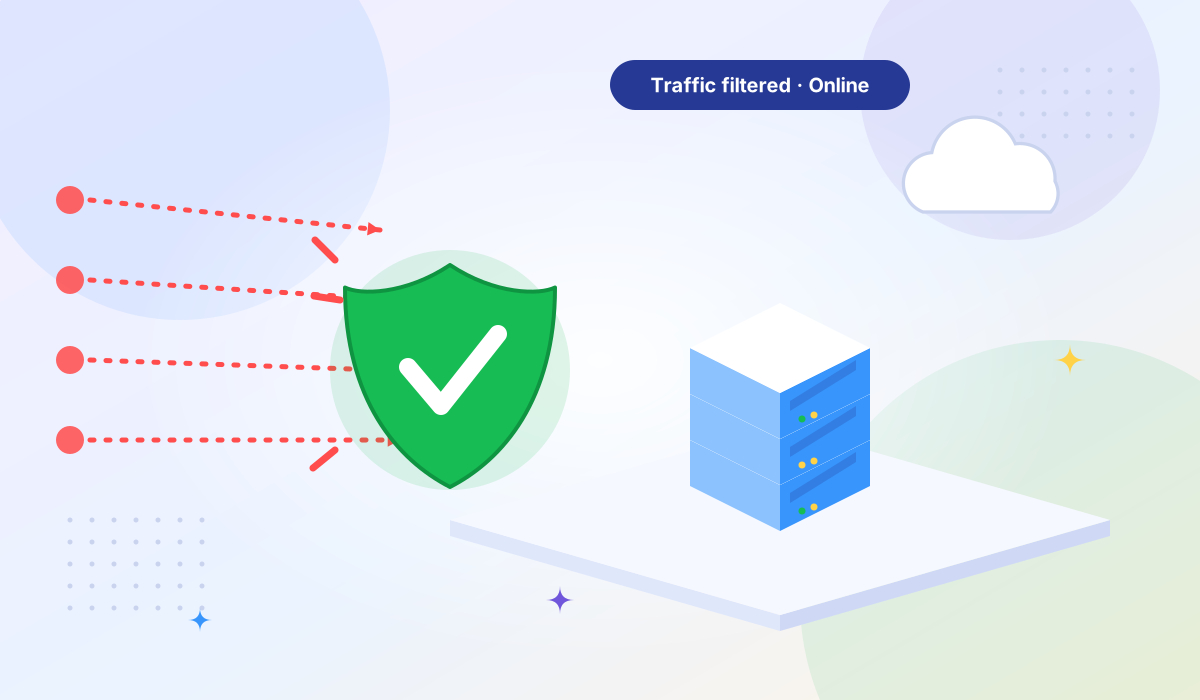
No amount of server-side firewall configuration can absorb a volumetric DDoS attack that exceeds your server's port speed. Provider-level DDoS mitigation — the kind that filters traffic before it reaches your VPS — is essential for any production workload. Look for providers that include automatic DDoS detection and scrubbing as part of the service rather than as an expensive add-on.
NVMe storage isn't just a performance feature — faster disk I/O also means faster log writing, faster integrity checks, and faster backup operations. When your monitoring tools can process logs in real time without creating a bottleneck, you detect threats faster. Similarly, reliable uptime and redundant infrastructure mean your security monitoring never goes dark because of a provider-side failure.
Create a non-root user account with sudo privileges, upload your SSH key to that account, then disable password authentication and root login in your SSH configuration. This secures the most exposed access point before you do anything else. After that, enable the firewall with a default-deny policy and run a full system update.
It reduces automated scanning noise significantly — most bots only target port 22 — but it doesn't stop a targeted attacker who will scan all ports. Think of it as reducing clutter in your authentication logs rather than a real security boundary. Key-based authentication and Fail2Ban matter far more.
Security patches should be applied automatically as soon as they're released. For non-security updates, weekly or bi-weekly is reasonable. The Verizon DBIR 2026 data shows the median time to exploit a vulnerability has dropped well below the median time to patch — automatic security updates are the only way to consistently close that gap.
Yes. A web server still exposes SSH, and it may expose database ports, admin panels, or development services you've forgotten about. A default-deny firewall ensures that only ports 80, 443, and your SSH port are reachable — everything else is silently dropped. This also limits what a compromised process can reach on outbound connections.
Server-level security is what you control: SSH hardening, firewalls, patching, user management, and monitoring. Provider-level security is the infrastructure underneath: KVM isolation between tenants, upstream DDoS mitigation, physical data center security, and network redundancy. Both layers are necessary. A perfectly hardened server is still vulnerable if the provider's network lacks DDoS protection or uses weak tenant isolation.
Ready to deploy a secure VPS? Tonic VPS High Bandwidth plans run on KVM with AMD EPYC processors, NVMe storage, free DDoS protection, and full root access across 8 global locations. If you handle payment data, see how our infrastructure supports PCI DSS compliance. Verify our network performance at our Looking Glass.
More VPS hosting guides, server tutorials, and infrastructure tips from our blog.
How DDoS attacks target VPS servers and what protection measures keep your services online.
Essential security features every website needs — from SSL certificates to backup strategies and malware protection.
Compare KVM and OpenVZ virtualization — architecture, performance, security, and why providers are migrating to KVM.