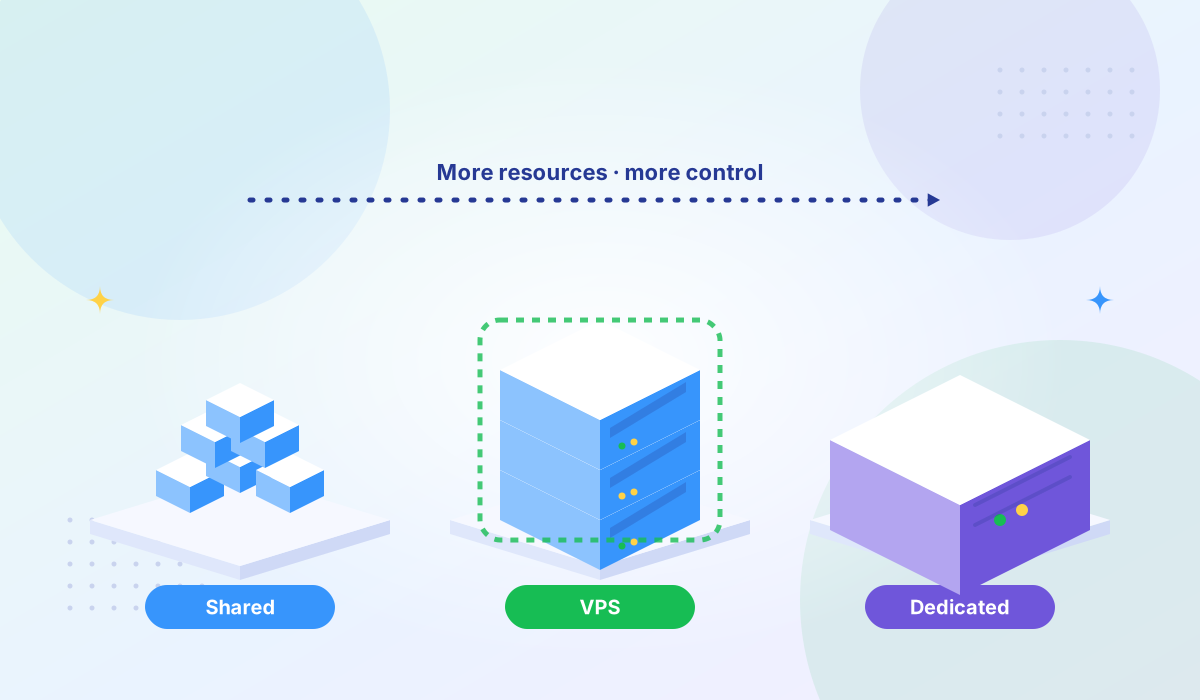
Shared vs VPS vs Dedicated: Which Hosting Is Right for You?
Compare shared hosting, VPS, and dedicated servers to find the right fit for your traffic and budget.


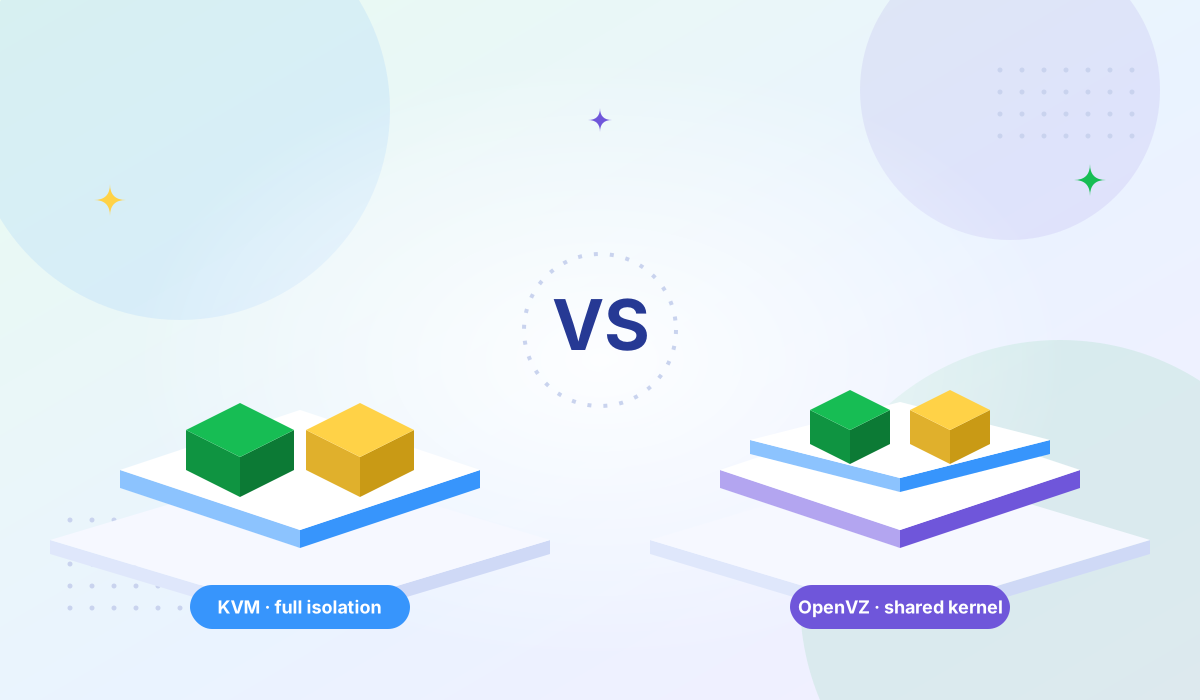
KVM (Kernel-based Virtual Machine) is a full hardware virtualization hypervisor built into the Linux kernel. OpenVZ is an OS-level container virtualization technology that shares the host kernel across all containers. These two approaches have defined VPS hosting for over a decade — but the industry has decisively shifted toward KVM as OpenVZ reaches end of life.
If you're choosing a VPS provider or evaluating a migration, the virtualization technology underneath matters more than most specs on a pricing page. It determines what operating systems you can run, how isolated your resources are, whether Docker works natively, and how exposed you are to other tenants on the same physical server.
| Feature | KVM | OpenVZ |
|---|---|---|
| Virtualization type | Full hardware virtualization (Type 1 hypervisor) | OS-level containerization |
| Kernel | Own kernel per VPS | Shared host kernel |
| OS support | Linux, Windows, FreeBSD, any x86 OS | Linux only |
| Resource isolation | Dedicated (hard-limited per VM) | Shared pool (burstable, not guaranteed) |
| Docker support | Full native support | Limited/experimental |
| Security isolation | Hardware-level (hypervisor boundary) | Process-level (shared kernel) |
| CPU overhead | ~1–3% for CPU-bound workloads | Near zero (shared kernel) |
| Overselling risk | Low (each VM has dedicated overhead) | High (shared kernel enables easy overselling) |
| Custom kernel modules | Full support | Not possible |
| Active development | Yes (Linux kernel mainline) | No (CentOS 7 base EOL July 2024) |
KVM turns the Linux kernel itself into a hypervisor. Each VPS runs as a fully independent virtual machine with its own operating system, its own kernel, and its own dedicated slice of hardware resources. From the software's perspective, a KVM VPS is indistinguishable from a physical server. KVM requires hardware virtualization extensions (Intel VT-x or AMD-V), which are standard on all modern server CPUs.
OpenVZ takes a fundamentally different approach. Instead of virtualizing hardware, it creates isolated containers that share the host server's Linux kernel. Each container gets its own file system, processes, and network stack, but they all run on the same kernel. This means less overhead per container — but also less isolation, less flexibility, and a single point of failure at the kernel level.
The practical difference: KVM gives you a real server you fully control. OpenVZ gives you a sandboxed partition of someone else's server, with restrictions on what you can install, configure, and run.
KVM provides hard resource isolation. When your plan says 4 GB RAM and 2 vCPUs, those resources are reserved for your VM. No other tenant can borrow them. Your disk I/O is isolated through virtio drivers, and your network bandwidth is allocated to your interface.
OpenVZ uses a shared resource pool. RAM is allocated from a common pool and can be "burstable" — meaning you might temporarily access more than your allocation, but there's no guarantee. CPU time is managed by a shared scheduler, and disk I/O goes through shared queues. When another container on the same host spikes in usage, your performance can degrade — the "noisy neighbor" problem.
This shared model is also why OpenVZ hosting was historically cheaper: providers could oversell resources because the shared kernel has lower per-container overhead. But cheaper doesn't mean better value when your database queries slow down because someone else's container is consuming shared I/O.
KVM's security boundary is the hypervisor itself — a hardware-enforced isolation layer. A vulnerability in one VM's operating system cannot affect other VMs because they don't share a kernel. Hypervisor escapes (where an attacker breaks out of a VM into the host) are rare and represent a much smaller attack surface than kernel exploits.
OpenVZ containers share the host kernel, which means a kernel vulnerability can potentially affect every container on the server. This isn't theoretical — OpenVZ has documented container escape CVEs, including CVE-2019-5736, where a specially crafted container could overwrite the host binary and escape containment.
For workloads that handle sensitive data — payment processing, healthcare records, customer PII — the compliance implications of shared-kernel virtualization are significant. KVM's hardware isolation makes it far easier to meet requirements for PCI DSS, HIPAA, and GDPR data protection.
KVM supports any x86-compatible operating system. Linux distributions (Ubuntu, Debian, CentOS, AlmaLinux, Rocky Linux), Windows Server, FreeBSD — you install whatever you need. You can upgrade your kernel independently, load custom kernel modules, and run any software that would work on bare metal.
OpenVZ is Linux-only. Because every container shares the host kernel, you can only run Linux distributions that are compatible with that specific kernel version. You can't install Windows. You can't upgrade or replace the kernel. You can't load kernel modules that the host doesn't support. If the host runs CentOS 7's kernel, you're stuck with its capabilities and its limitations.
KVM supports Docker, Podman, Docker Compose, and Kubernetes natively — exactly as they work on a physical server. All storage drivers (overlay2, btrfs, zfs) work. WireGuard VPN works natively. There are no restrictions on what containerized workloads you can run.
OpenVZ's Docker support is limited and was never production-ready. The OpenVZ wiki documents that OpenVZ 6 only supported Docker 1.10 or older with the vfs storage driver (the slowest option). OpenVZ 7 added experimental overlay support, but the documentation explicitly stated this was not supported for production use. VPN support (WireGuard, OpenVPN) requires the host administrator to enable TUN/TAP — it's not available by default.
If your workflow involves containers, CI/CD pipelines, or any modern DevOps tooling, KVM is the only practical choice.
OpenVZ isn't just technically inferior to KVM for most use cases — it's reaching end of life. CentOS 7, the foundation of OpenVZ 7, stopped receiving security updates in July 2024. Without security patches, every OpenVZ 7 server is running an unpatched operating system with known vulnerabilities.
The result: hosting providers across the industry have shut down their OpenVZ infrastructure and migrated customers to KVM.
| Date | Provider | Action |
|---|---|---|
| January 2024 | GleSYS | Ended all OpenVZ support (official notice) |
| February 2024 | Prepaid-Hoster | Stopped selling OpenVZ plans (FAQ) |
| Mid 2024 | HostEONS | Offered free KVM upgrades for all OpenVZ customers |
| July 2024 | — | CentOS 7 (OpenVZ 7 base OS) reached end of life |
| May 2025 | Prepaid-Hoster | Shut down all remaining OpenVZ systems |
| May 2026 | ResellersPanel | Began phasing out OpenVZ VPS plans (blog post) |
OpenVZ 9 has been in development but remains in beta with no firm release date. Meanwhile, every major VPS provider — DigitalOcean, OVHcloud, Hostinger, AWS (Nitro/KVM-based), and Google Cloud — runs KVM or a KVM-based hypervisor. The migration is effectively complete at the industry level.
The exception: If you have a legacy Linux workload on an existing OpenVZ server that works, isn't security-critical, and you understand the risks of an unpatched base OS, there's no urgent reason to migrate today. But plan your migration — the clock is ticking.
Every Tonic VPS High Bandwidth VPS plan runs on KVM virtualization. Here's why that matters for your workloads:
For CPU-bound workloads, the difference is negligible — KVM's overhead is approximately 1–3% (MassiveGrid). OpenVZ has near-zero CPU overhead because it shares the host kernel. For I/O-intensive workloads, KVM with modern virtio drivers and NVMe storage typically delivers more consistent performance because resources aren't shared across tenants. The real performance advantage of KVM is predictability, not raw speed.
Technically, with restrictions. OpenVZ 7 had experimental Docker support using the overlay storage driver, but the OpenVZ documentation explicitly stated this was not supported for production use. OpenVZ 6 only supported Docker 1.10 or older with the vfs driver. KVM provides full, unrestricted Docker support with all storage drivers and features.
Because OpenVZ's shared kernel architecture uses less overhead per container, allowing providers to fit more customers on a single server. This also made it easier to oversell resources — advertising more total RAM or CPU across all containers than the physical server actually has. KVM's dedicated resource model makes aggressive overselling much harder, which is why KVM plans cost more but deliver more consistent performance.
Yes, if you haven't already. CentOS 7 — the base OS for OpenVZ 7 — reached end of life in July 2024 and no longer receives security patches. Multiple providers have shut down their OpenVZ infrastructure entirely. Migration to KVM gives you an actively maintained platform, better security isolation, Docker support, and your choice of operating system. Most providers that still offer OpenVZ are actively helping customers migrate.
No. Both are OS-level containerization technologies, but they're separate projects with different implementations. LXC (Linux Containers) is maintained by Canonical and is integrated into the mainline Linux kernel. OpenVZ uses its own patched kernel. LXC is actively developed and available through Proxmox VE. OpenVZ's development has stalled with the CentOS 7 end of life. If you want container-style virtualization on a modern platform, LXC is the active alternative — but KVM remains the standard for VPS hosting where full isolation is expected.
| Category | Winner |
|---|---|
| Resource isolation | KVM |
| Security | KVM |
| OS compatibility | KVM |
| Docker support | KVM |
| CPU overhead | OpenVZ (marginal) |
| Active development | KVM |
| Overall | KVM — for all new VPS deployments |
KVM wins in every category that matters for production workloads. OpenVZ's only technical advantage — slightly lower CPU overhead — is marginal and irrelevant if the platform underneath is no longer receiving security updates.
The decision is straightforward: for any new VPS deployment in 2026, choose KVM. If you're still on OpenVZ, plan your migration before the security risks compound further.
Looking for KVM VPS hosting? Explore Tonic VPS plans — every High Bandwidth VPS runs on KVM with AMD EPYC processors, NVMe storage, dedicated resources, full root access, and free DDoS protection across 8 global locations. Enterprise-grade uptime backed by hardware you can verify with our Looking Glass.
More VPS hosting guides, server tutorials, and infrastructure tips from our blog.
Compare shared hosting, VPS, and dedicated servers to find the right fit for your traffic and budget.
Learn what high bandwidth VPS hosting is and which workloads benefit most from unmetered data transfer.
How DDoS attacks target VPS servers and what protection measures keep your services online.